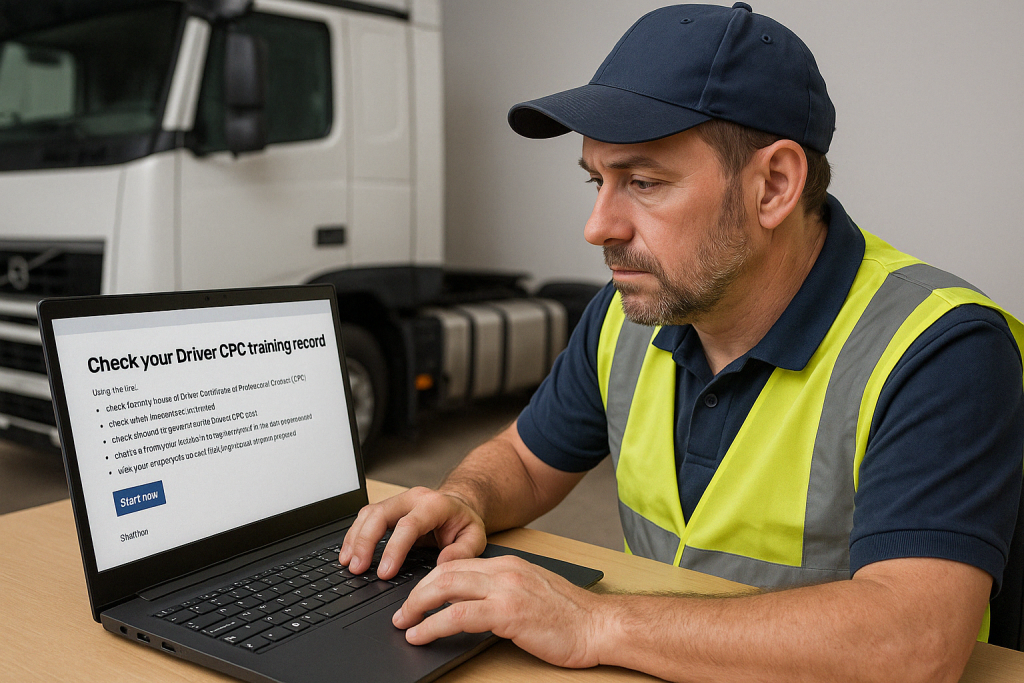
Driver CPC check

Driver CPC guidance • Official check is on GOV.UK

Driver CPC Check: How to Check Your CPC Hours Online (GOV.UK) — and what to expect

Author: Gareth Wildman — Director & Lead Transport Compliance Trainer, Transcom National Training

This page helps drivers understand what they will see when using the official government service to check Driver CPC periodic training hours — plus the most common issues and how to fix them.

Important: Transcom National Training does not hold the Driver CPC register and cannot access individual training records. All official checks are completed via the GOV.UK service.
Expiry warning: If your record shows you are short of the required 35 hours and your 5-year deadline is close, you cannot legally drive professionally until the training is complete. Do not leave this to the final month.
How the 5-year cycle works: Your Driver CPC is measured across a rolling 5-year period — you must complete 35 hours within that cycle to stay compliant. If you hit your deadline short of hours, you are not legally permitted to drive professionally until the missing training is completed and recorded.

What you can do using the official service

Once you’re logged in, you can:

  • Check how many Driver CPC hours you’ve completed in the current 5-year period
  • View completed course dates and module titles
  • Confirm your progress toward the required 35 hours
  • See when your next Driver CPC card is due to be issued
  • Create a temporary password for an employer to view your record
  • View an employee’s training record with permission
Before you try to register: new users can only register after a training centre has recorded at least one completed CPC course. If you have not completed any periodic training yet, the system may not recognise you.
Short on hours? If your record shows fewer than 35 hours in the current cycle, the only fix is completing more periodic training. See upcoming live online Driver CPC course dates.
Ready to check? Use the official service here: GOV.UK – Check your Driver CPC periodic training hours .

What you’ll need

Have these details ready before you start:

1
Driving licence number

Use the 16-character number shown on your photocard licence.

2
Postcode

Use the exact postcode held on your DVLA licence record.

3
Password letter by post

After registering, a password is sent by post to the address on your licence, often within around 3 working days.

Tip: if you’ve completed training recently, allow a few working days for uploads to appear on the record.

Common issues drivers see (and what it usually means)

These problems are common and usually fixable without panic.

My recent training isn’t showing yet

This is typically an upload delay. If training is not showing after several working days, contact the training centre first.

The course title looks wrong / missing details

This is usually a data-entry issue from the training centre. Keep your booking confirmation and any attendance evidence.

I can’t register / it says it can’t find me

Most often this happens when no periodic training has been recorded yet. Registration normally works only after your first completed CPC day is on the system.

I drive internationally — does it matter?

Yes. The type of training can matter depending on where you drive. Do not guess — use GOV.UK guidance and choose training that fits your work.

Didn’t receive your password letter?

If it hasn’t arrived after a few working days, contact the correct authority:

England, Scotland & Wales

Contact DVSA:

Northern Ireland

Handled separately by DVA:

If you’re short of your 35 CPC hours

If the official record shows you’re short of the required 35 hours in the current 5-year period, the remedy is completing additional periodic training with an approved centre. If your deadline is close, book a course date now to avoid a last-minute compliance problem.

  • ✅ 7-hour modules (JAUPT approved)
  • ✅ Live interactive delivery
  • ✅ Same-day DVSA upload processing
Check Driver CPC

View More Blog Posts & News